
Hostaway WordPress Plugin: Features, Benefits, and Setup Guide
 610 Web Lab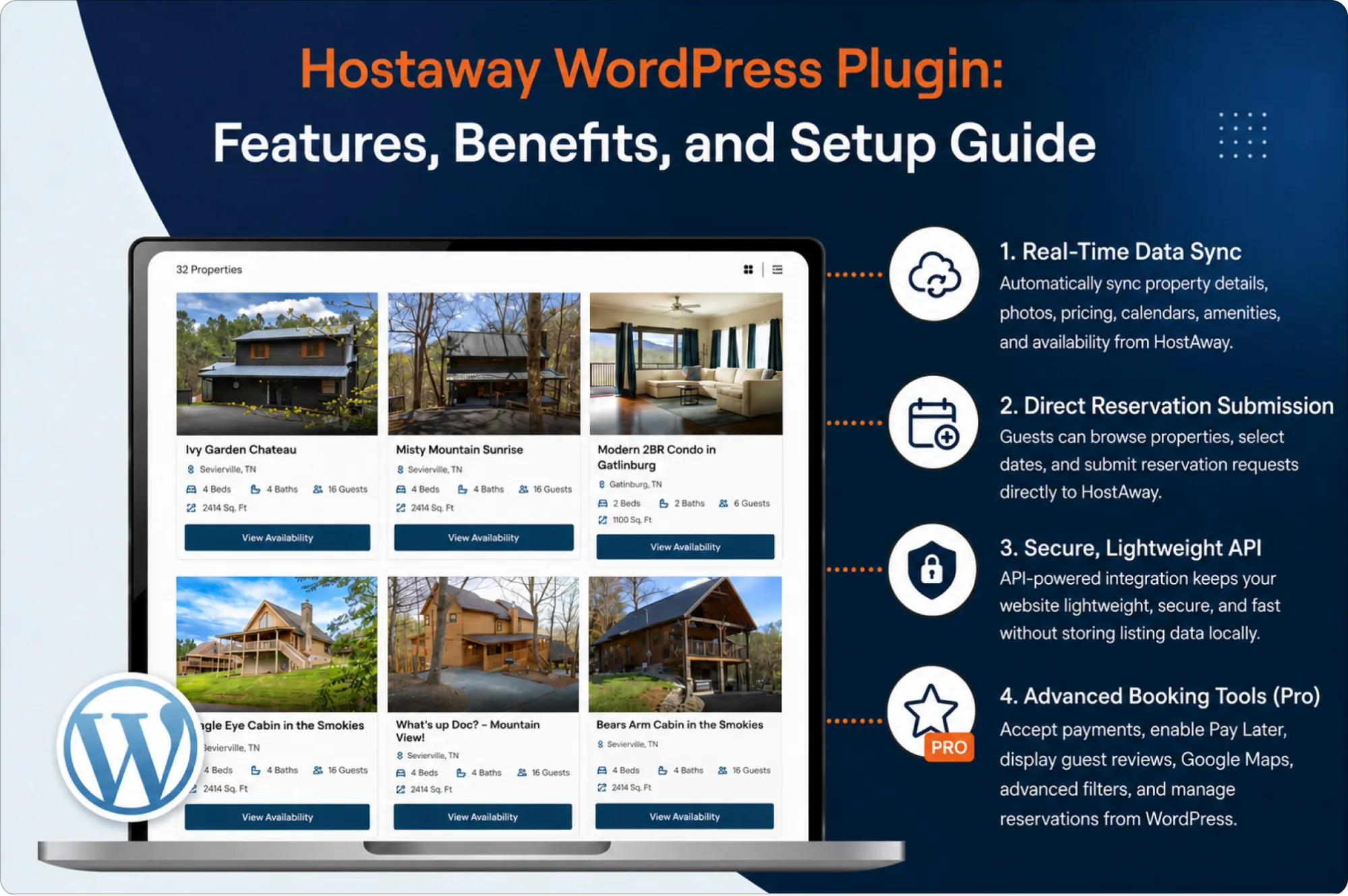
Key Takeaways
- The HostAway WordPress plugin connects your website directly to your HostAway account, keeping listings, pricing, and availability updated automatically.
- It eliminates manual data entry, reducing errors that lead to lost bookings and frustrated guests.
- The plugin supports direct bookings on your own site, cutting reliance on third-party channels and their commission fees.
- Setup takes only a few steps using OAuth 2.0 authentication and your HostAway API credentials.
- A free version covers real-time listing display, while the Pro version unlocks credit card payments, guest reviews, and advanced booking controls.
Managing a vacation rental business means juggling a lot of moving parts. Between guest inquiries, calendar updates, and pricing changes, keeping a website current can quickly become a full-time job on its own. That is exactly the gap the HostAway WordPress plugin was built to close.
If you run your properties through HostAway but still update your WordPress site by hand, you already know the pain points: copying listing details one by one, adjusting calendars after every booking, and hoping you did not miss a pricing change. This guide walks through what the plugin does, why it matters for property managers and vacation rental owners, and how to get it running on your own site.
The Problem With Manual Website Updates
Most property managers do not set out to update their website manually. It usually happens because there is no connection between their booking software and their WordPress site, so someone on the team has to bridge that gap by hand.
Common issues that come with manual updates include:
- Outdated availability calendars that lead to double bookings
- Pricing errors when seasonal rates change
- Missed updates when a listing description or photo changes in HostAway
- Guests losing trust when the website does not match what they see elsewhere
Over time, these small errors add up. A guest who sees a listing marked available, only to be told later that it is booked, is unlikely to return. This is the exact problem a HostAway WordPress connector is designed to solve.
What Is the HostAway WordPress Plugin?
The HostAway WordPress plugin is a connector that links your WordPress website directly to your HostAway account. Rather than storing property data on your server, it retrieves listing information dynamically from HostAway every time a visitor loads your site.
This means your website always reflects what is actually happening in your HostAway dashboard. There is no separate spreadsheet to update and no need to log in to two different systems to keep information consistent.
The connection runs on OAuth 2.0 authentication, which keeps your credentials secure without exposing sensitive data. Because the plugin is fully API-driven, it does not store personal or booking information locally, which also reduces the security burden on your hosting environment.
Key Features of the HostAway WordPress Plugin
Real-Time Data Sync
Once connected, the plugin pulls property photos, descriptions, amenities, availability calendars, pricing, and cancellation policies straight from HostAway. Any change made in your HostAway account, whether it is a new photo or a rate adjustment, appears on your website automatically.
Direct Reservation Submission
Visitors can browse available properties, check calendars, select dates, and submit a reservation request without leaving your site. Requests are sent directly to HostAway through the official reservation API, so there is no manual re-entry involved.
Secure, Lightweight API Architecture
Because the plugin relies on a HostAway API integration rather than local storage, it stays lightweight and fast. Your server is not weighed down by cached listing data, and there is less risk associated with storing guest information on-site.
Advanced Booking Tools (Pro Version)
Upgrading to the Pro version adds features built for businesses that want their website to function as a full booking platform, including:
- Credit card payment collection through your connected HostAway account
- A Pay Later reservation option for manual confirmations
- Guest reviews displayed directly on property pages
- Google Maps integration to show property locations
- Advanced filters for price, location, availability, and guest capacity
- A reservation dashboard inside WordPress admin, so bookings can be tracked without switching platforms
Benefits for Vacation Rental Owners and Property Managers
The appeal of a HostAway WordPress integration goes beyond convenience. It changes how a rental business operates day to day.
- It saves time. Instead of manually copying details across platforms, your team can focus on guest communication, property upkeep, and growing the business.
- It reduces booking errors. Since availability and pricing pull directly from HostAway, there is far less chance of a guest booking a date that is no longer open.
- It builds guest trust. A website with accurate, current information feels more professional and reliable, which matters when guests are deciding where to spend their money.
- It supports scaling. Whether you manage three properties or three hundred, the plugin handles unlimited listings without adding manual workload as your portfolio grows.
How the Plugin Supports Direct Bookings
One of the most valuable outcomes of using this plugin is the ability to accept direct bookings. Relying only on third-party listing sites means paying commission fees and losing control over the guest relationship. A HostAway WordPress plugin brings that booking process back onto your own website.
Guests can check real-time availability, choose their dates, and complete a reservation without being redirected elsewhere. Depending on how your HostAway account is configured, they can submit a request with a Pay Later option or complete payment with a credit card through the Pro version. Every booking flows directly into HostAway, so your reservation records stay centralized no matter where the booking originated.
For property managers trying to reduce dependence on OTAs, this direct booking capability is often the main reason to adopt the plugin in the first place.
Step-by-Step Setup Guide
Setting up the plugin is designed to be simple enough for non-technical users. Here is what the process typically looks like.
Step 1: Install the Plugin
Download and install the plugin from your WordPress dashboard, or upload it manually if you purchased the Pro version. Activate it like any standard WordPress plugin.
Step 2: Connect Your HostAway Account
Locate your Client ID and Client Secret inside your HostAway account settings. Enter these credentials into the plugin’s connection screen. Authentication happens through OAuth 2.0, so your login details are never stored or exposed.
Step 3: Let Listings Sync Automatically
Once the connection is verified, the plugin begins pulling your property data, including photos, descriptions, amenities, calendars, and pricing. This process happens automatically and does not require manual data entry.
Step 4: Configure Display and Booking Settings
Adjust how listings appear on your site. Set the number of listings per page, enable a Load More option, and decide whether to allow Pay Later reservations. Pro users can also configure map settings, review displays, and custom booking confirmation messages.
Step 5: Test the Booking Flow
Before going live, walk through the booking process as a guest would. Check a property, select dates, and submit a test reservation to confirm it appears correctly in your HostAway account.
Free vs. Pro: Choosing the Right Version
The free version is a solid starting point for hosts who simply want their website to reflect accurate listings and availability. It covers real-time display, reservation request submission, and secure API-based syncing.
The Pro version is built for businesses that want their website to actually generate revenue. Credit card payments, guest reviews, advanced filtering, and a built-in reservation dashboard make it a better fit for property managers handling multiple listings or aiming to reduce OTA dependence.
Why Choose This Plugin Over Manual Updates
Manually maintaining a vacation rental website might work when you have one or two properties, but it rarely scales well. Every additional listing multiplies the chances of a missed update or pricing mistake. A HostAway plugin for WordPress removes that risk entirely by keeping your site and your booking software in constant sync.
Beyond accuracy, there is also a business case. Direct bookings reduce commission costs, a branded website builds guest confidence, and centralized reservation tracking saves administrative hours every week. For a modest one-time cost, the plugin often pays for itself within the first few bookings it helps secure directly.
Get Started With HostAway Connector Pro
If outdated listings, pricing errors, and missed bookings are holding your website back, it is time to make the switch. HostAway Connector Pro brings automation, real-time sync, and direct booking capability to your WordPress site, all without the technical headaches of building a custom integration.
Set it up once, connect your HostAway account, and let your website handle the rest. Choose HostAway Connector Pro today and turn your WordPress site into a booking engine that works as hard as you do.
Our Most Recent News Blogs
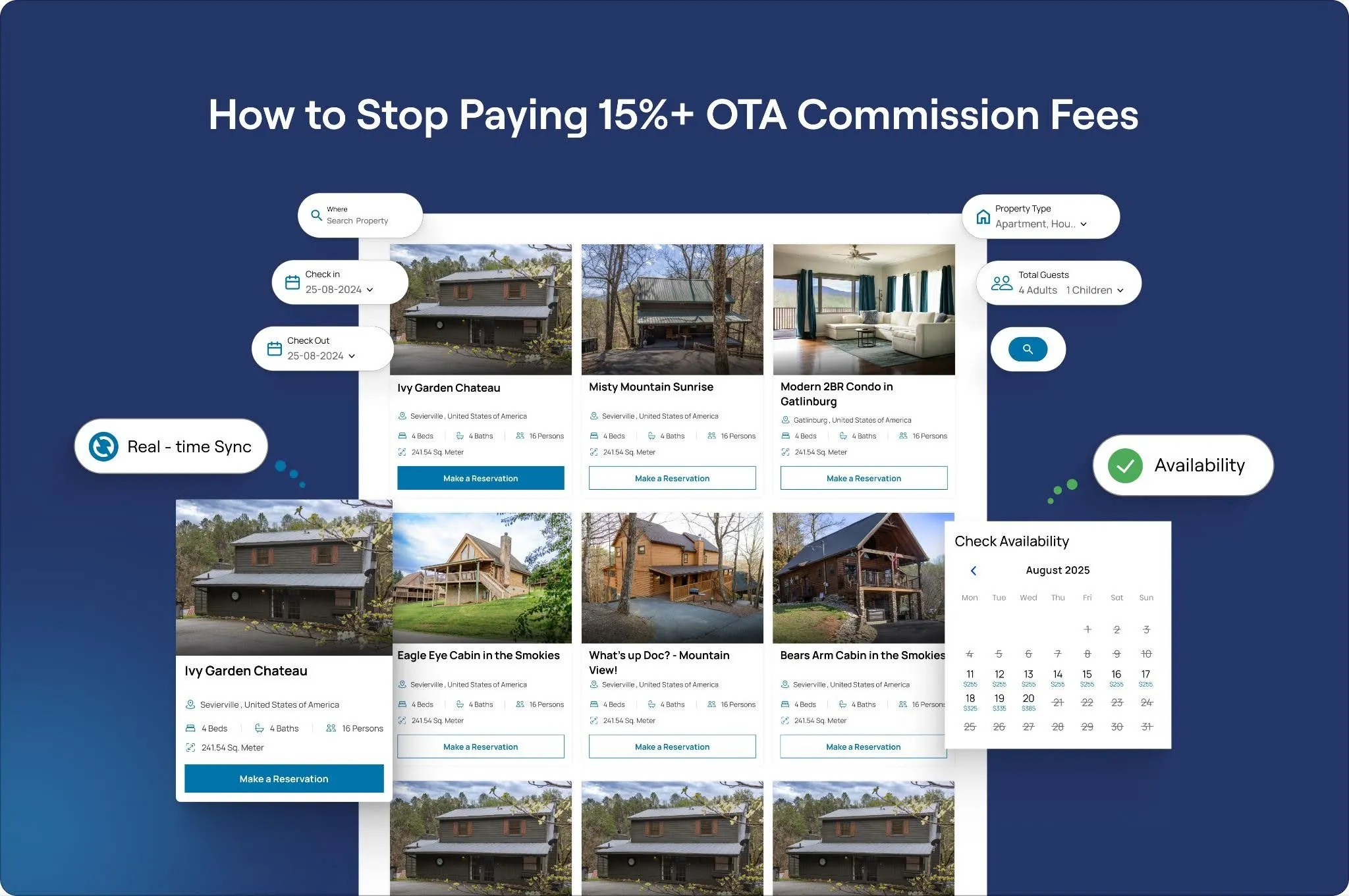

How to Stop Paying 15%+ OTA Commission Fees (And Build Your Own Direct Booking Engine)
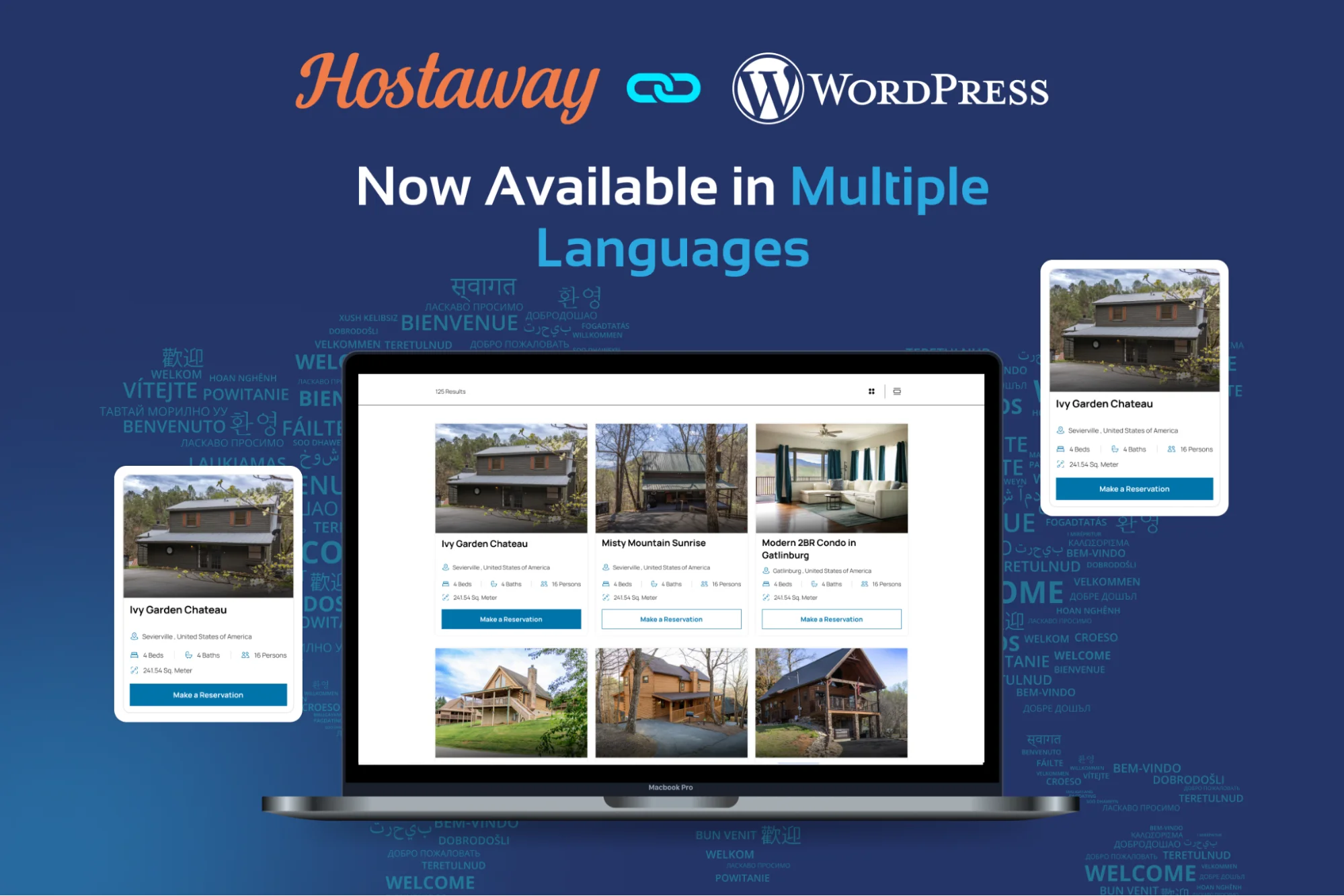
Introducing Multi-Language Listings Add-On for HostAway WordPress Connector
How to Integrate Hostaway with WordPress for Real-Time Booking Sync
we are trusted by
1000+ clients worldwide







contact us
Get in Touch with our Skilled Tech Team

Opposite to Hindustan Times, Phase-8B
Industrial Area Mohali


Sat-Sun: Closed