
Hostaway WordPress Connector Under $100: Features, Benefits & Buying Guide
 610 Web Lab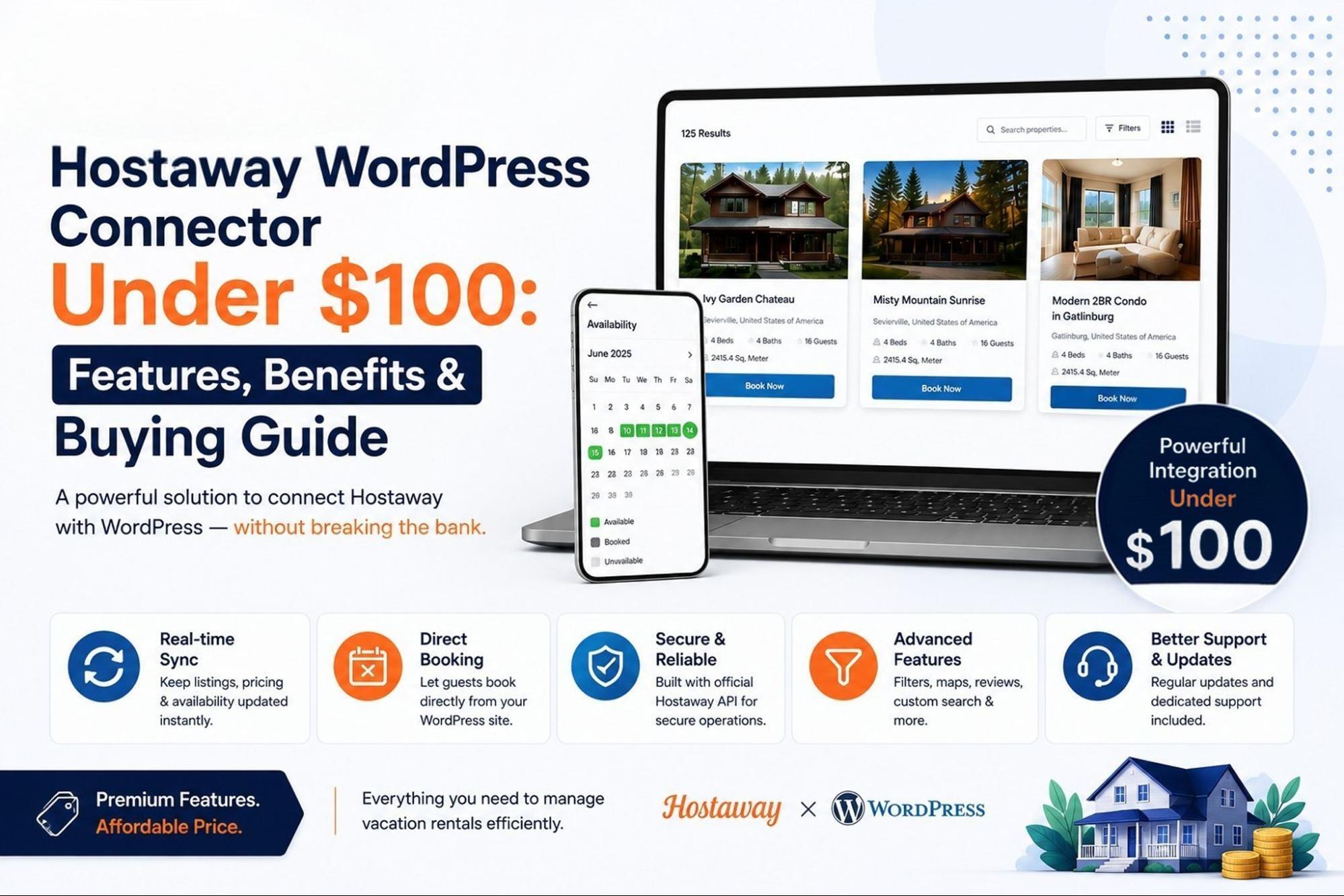
If you manage short-term rentals on Hostaway, your WordPress website should reflect exactly what is happening in your booking calendar at all times. When listings, pricing, and availability go out of sync, the result is usually a frustrated guest and a lost reservation. A Hostaway WordPress connector solves this by linking your site directly to your Hostaway account, and the good news is that a genuinely useful version of this tool does not need to cost a fortune. This blog walks through what these connectors do, what to expect at a budget-friendly price point, and how to choose one with confidence.
What Is a Hostaway WordPress Connector?
A Hostaway WordPress connector is a plugin that bridges your WordPress site with your Hostaway property management account. Instead of manually copying listing details, photos, amenities, and pricing onto your website, the plugin pulls that information straight from Hostaway through its official API and displays it on your site automatically. Because the data is fetched dynamically rather than stored on your server, your website always mirrors your live Hostaway dashboard, including availability calendars and booking status. Most connectors also use secure authentication methods so your credentials stay protected while the connection runs in the background.
Can You Get a Hostaway WordPress Connector for Under $100?
Yes, and this is one of the more reassuring parts of shopping for this type of tool. Property management software itself can run into ongoing monthly costs, but the WordPress connector layer that displays your listings and enables bookings is often available as a one-time purchase well under $100. At this price range, you can typically expect real-time listing display, availability calendars, and direct booking functionality, all without a recurring subscription tied to the plugin itself. It will not include every enterprise-level feature, but for most independent hosts and small portfolios, it covers what actually matters day to day.
Key Features to Look For Under $100
When comparing budget-friendly options, focus on the features that have the biggest impact on guest experience and daily workflow:
1. Real-Time Property Listings
The connector should pull property information directly from Hostaway so your WordPress website can display current listings, descriptions, images, and amenities without manually recreating each property.
2. Live Availability Synchronization
Look for a solution that retrieves current availability from Hostaway. This helps your website show guests which dates are actually available instead of relying on manually updated calendars.
3. Dynamic Pricing Updates
Pricing should be pulled from Hostaway, so changes made in your property management system can be reflected on the website without repeatedly editing WordPress pages.
4. Direct Booking Capability
If direct reservations are important, check whether the connector allows guests to submit reservations directly through your WordPress website and sends those reservations to Hostaway through its API.
5. API-Based Integration
An API-driven connection is important because it allows the website to communicate with Hostaway programmatically. Hostaway’s API supports listings, reservations, calendars, and rates.
6. Secure Authentication
Check whether the connector uses secure authentication rather than requiring you to expose your Hostaway password. The current connector, for example, uses OAuth 2.0 authentication.
7. WordPress Compatibility
The connector should be designed specifically for WordPress and remain compatible with current WordPress versions. This can reduce the technical work involved in connecting your website to Hostaway.
8. Clear Pricing and Support
Under-$100 pricing is useful only if you understand what is included. Check whether the price covers updates, support, compatibility fixes, and future maintenance. For example, the current Starter plan is listed at $89 and includes one year of updates and support.
Benefits of Using a Hostaway WordPress Connector
1. Less Manual Updating
Instead of repeatedly copying property details, prices, and availability into WordPress, the connector can retrieve this information directly from Hostaway.
2. Fewer Availability Errors
Live synchronization can help keep the website aligned with Hostaway’s availability data, reducing the risk of displaying outdated dates to potential guests.
3. Saves Time for Property Managers
When listing information is managed through Hostaway, automatically displaying it on WordPress eliminates repetitive website maintenance.
4. Supports Direct Bookings
A suitable connector can turn a WordPress site from a simple property showcase into a booking channel where visitors can check dates and submit reservations through the website.
5. Keeps Website Information Consistent
Because the website can retrieve listing data from Hostaway, property information, pricing, and availability are less dependent on separate manual updates.
6. Gives You More Control Over Your Website
Using WordPress lets property managers present their listings through their own website rather than depending entirely on third-party booking platforms.
7. Makes Scaling Easier
For managers handling multiple properties, automated listing and availability synchronization becomes increasingly valuable as the portfolio grows. Hostaway’s API is designed to work with listings, reservations, calendars, and rates programmatically.
8. Can Be Cost-Effective for Smaller Hosts
If the connector provides the functionality a host actually needs for less than $100, it can be a relatively affordable way to add Hostaway-powered functionality to an existing WordPress website. The key is to compare the included features and ongoing costs rather than choosing based on the headline price alone.
Hostaway WordPress Connector: What Do You Get for Under $100?
1. Shortcode-Based Integration
A useful connector can make it easier to place Hostaway-powered content within WordPress pages using shortcodes, reducing the need for extensive custom development.
2. Customizable Listing Display
Look for options that let you control how property information appears on your website, so listings can fit your existing WordPress design instead of looking like an unrelated external booking page.
3. Simple Setup Process
For a product under $100, buyers should expect a straightforward installation and configuration process rather than requiring a developer to build the integration from scratch.
4. One-Year Updates
Software integrations need ongoing compatibility improvements. An included update period can add value by helping the connector remain compatible with changes to WordPress and related systems.
5. One-Year Technical Support
Support can be particularly valuable when dealing with API connections, configuration, or integration issues. Check whether technical assistance is included with the purchase.
6. Affordable Entry-Level Plan
The 610 Web Lab Hostaway WordPress Connector offers a Starter option priced at $89, making it relevant for users specifically looking for a Hostaway-to-WordPress solution below the $100 mark. The listed Starter package includes one year of updates and support.
All of these are available with 610 Web Lab’s Hostaway WordPress Connector, making it an option worth considering for WordPress users who want Hostaway functionality without a higher upfront connector cost.
What Should You Check Before Buying?
- Confirm the plugin connects through Hostaway’s official API rather than an unofficial workaround
- Check whether updates and support are included, and for how long
- Look at how listing data is handled, ideally fetched dynamically rather than stored locally
- Verify the plugin is compatible with your current WordPress theme and version
- Ask whether payment processing is included or requires a separate integration like Stripe
- Read recent reviews to see how the developer handles bug fixes and compatibility updates
- Check if multi-language support is available if you host international guests
Hostaway WordPress Connector vs. Managing Listings Manually
| Factor | Hostaway WordPress Connector | Manual Listing Management |
| Data accuracy | Updates automatically in real time | Prone to human error and delays |
| Time investment | Minimal after initial setup | Ongoing, repeated across platforms |
| Booking errors | Reduced through live sync | Higher risk of double bookings |
| Direct bookings | Supported on your own site | Usually requires third-party platforms |
| Guest trust | Professional, branded experience | Inconsistent, harder to maintain |
| Long-term cost | One-time plugin cost | Higher labor cost over time |
| Scalability | Handles growing portfolios easily | Becomes harder to manage at scale |
Is a Hostaway WordPress Connector Under $100 Worth It?
For most independent hosts and small to mid-sized property managers, the answer is yes. The core value of a Hostaway WordPress connector is not in flashy extras, but in reliable, real-time synchronization between your website and your booking system, and that functionality is well within reach at a budget-friendly price. The time saved from not manually updating listings, combined with the reduction in booking errors and the ability to capture direct reservations, tends to pay for the plugin within the first few bookings it helps secure. As long as the connector you choose uses the official Hostaway API and comes from a developer with a track record of updates and support, spending under $100 is a reasonable and often smart choice rather than a compromise.
Buying Checklist
- Confirms official Hostaway API integration
- Offers real-time listing and availability sync
- Supports direct bookings on your own site
- Uses secure authentication for your credentials
- Includes update and support access after purchase
- Fits your budget without hidden recurring fees
- Compatible with your current WordPress setup
Conclusion
A Hostaway WordPress connector under $100 can cover everything most hosts actually need: accurate listings, live availability, and direct bookings, without a large upfront investment. The key is choosing a plugin built on the official API with dependable support behind it. Get that right, and the connector quickly pays for itself through saved time and fewer missed reservations.
Frequently Asked Questions
Does a Hostaway WordPress connector replace my Hostaway account?
No, it works alongside your existing Hostaway account, pulling data from it to display on your website.
Will guests be able to book directly on my site?
Yes, most connectors, including budget-friendly ones, support direct booking functionality through the Hostaway API.
Is my data safe with a lower-cost plugin?
As long as the plugin uses secure authentication and does not store sensitive data locally, cost does not have to mean weaker security.
Do I need coding skills to set it up?
Generally no. Most connectors are designed for a straightforward setup using your Hostaway API credentials.
Can the plugin support multiple languages?
Some connectors, including add-ons from developers like 610 Web Lab, offer multi-language listing support for international guests.
Let’s Discuss About Your Project!
 Exclusive up to 71% OFF for New Customers
Get Hostaway WordPress Connector Pro Now
Advanced tools to grow your rental business effortlessly.
Our Most Recent News Blogs
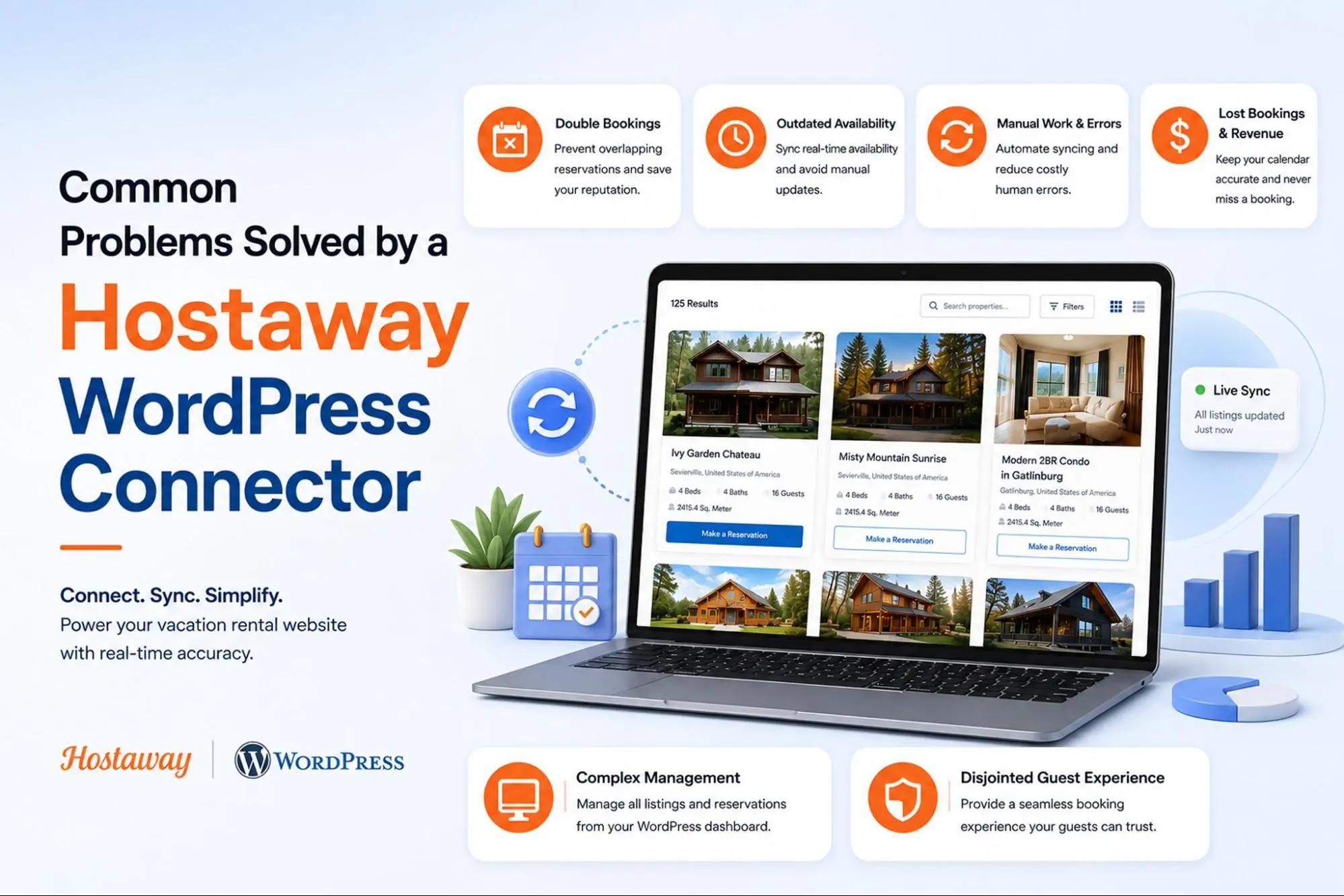

Common Problems Solved by a Hostaway WordPress Connector
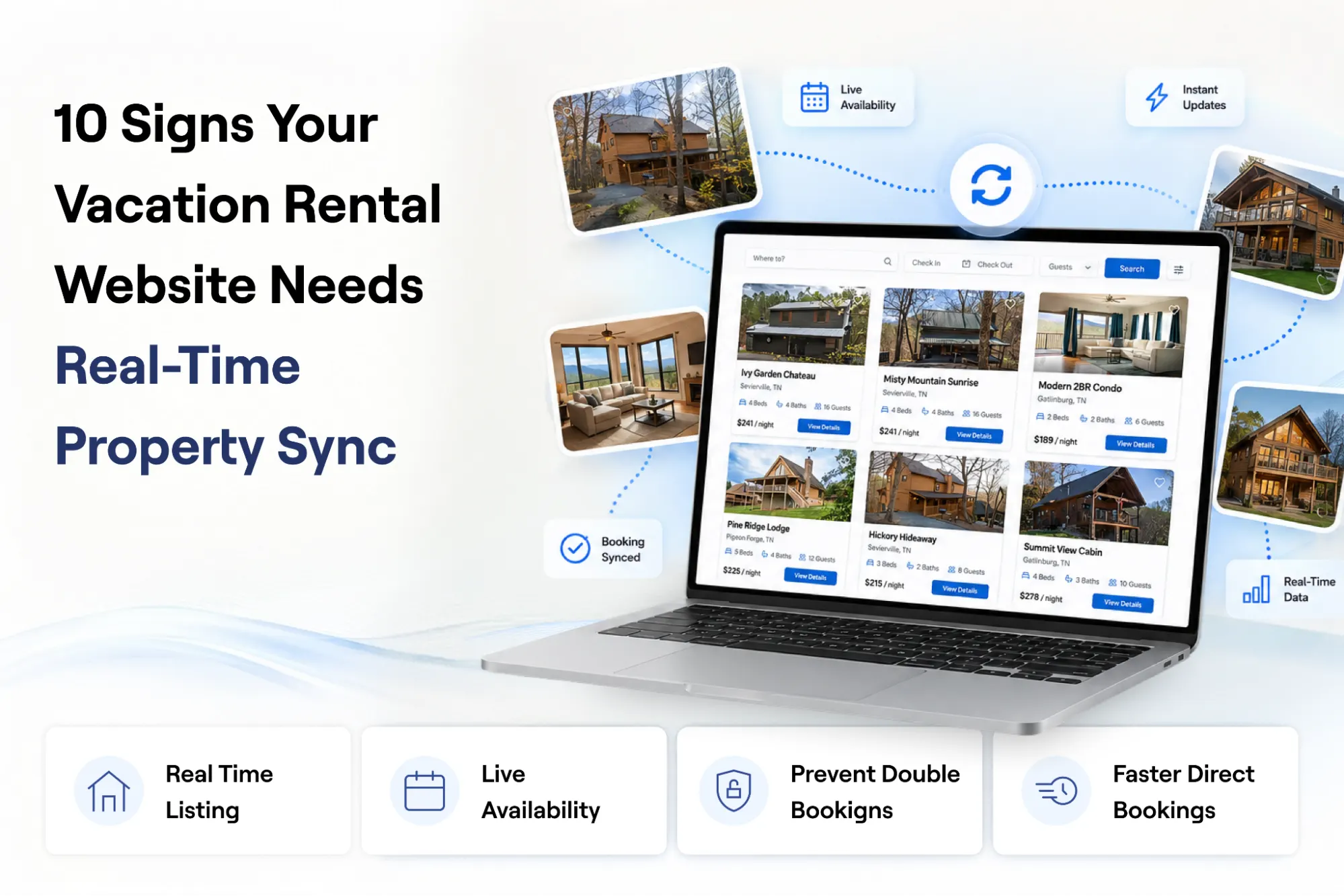
10 Signs Your Vacation Rental Website Needs Real-Time Property Sync
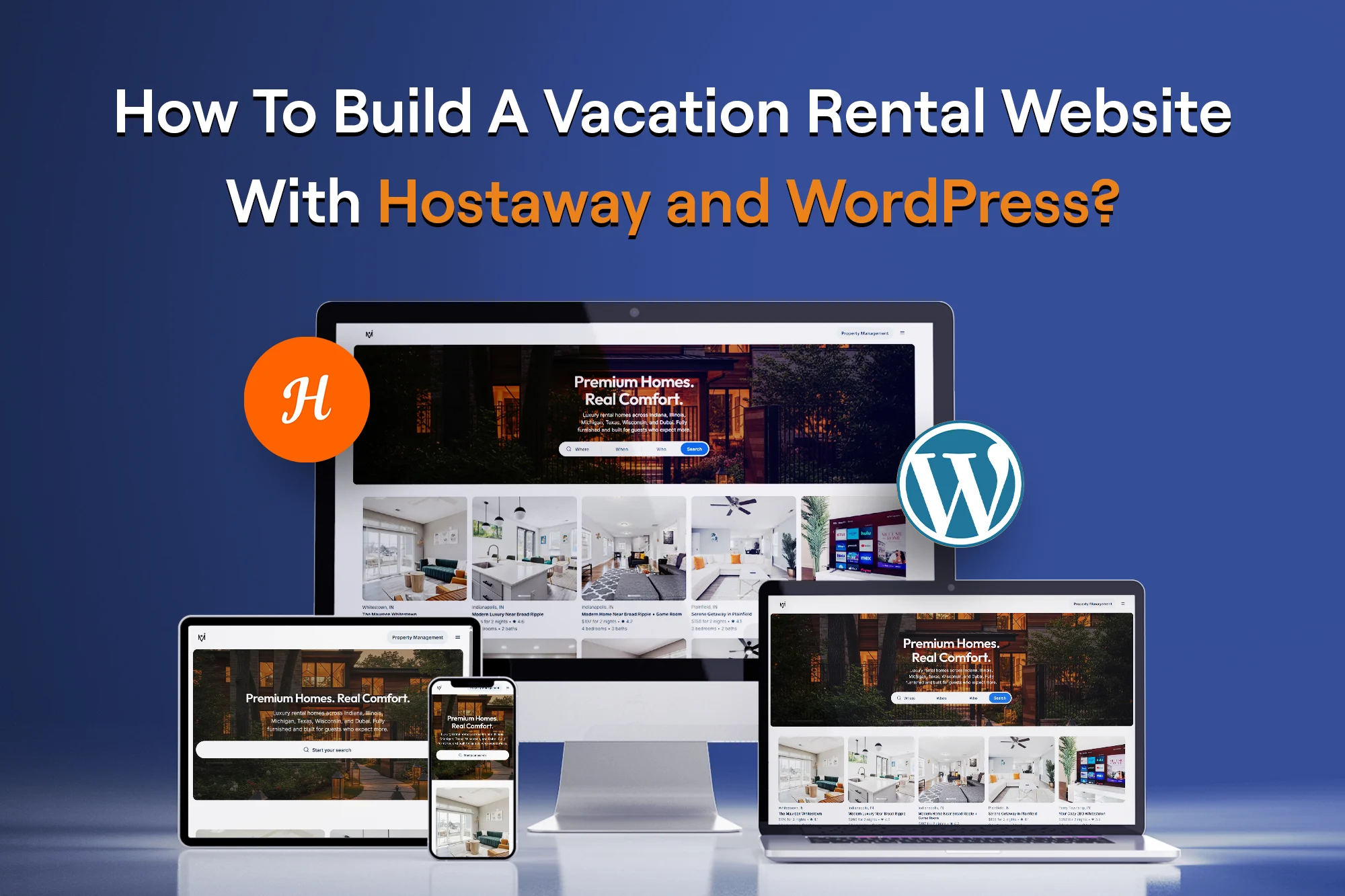
How To Build A Vacation Rental Website With Hostaway and WordPress?
we are trusted by
1000+ clients worldwide







contact us
Get in Touch with our Skilled Tech Team

Opposite to Hindustan Times, Phase-8B
Industrial Area Mohali


Sat-Sun: Closed

