
Common Problems Solved by a Hostaway WordPress Connector
 610 Web Lab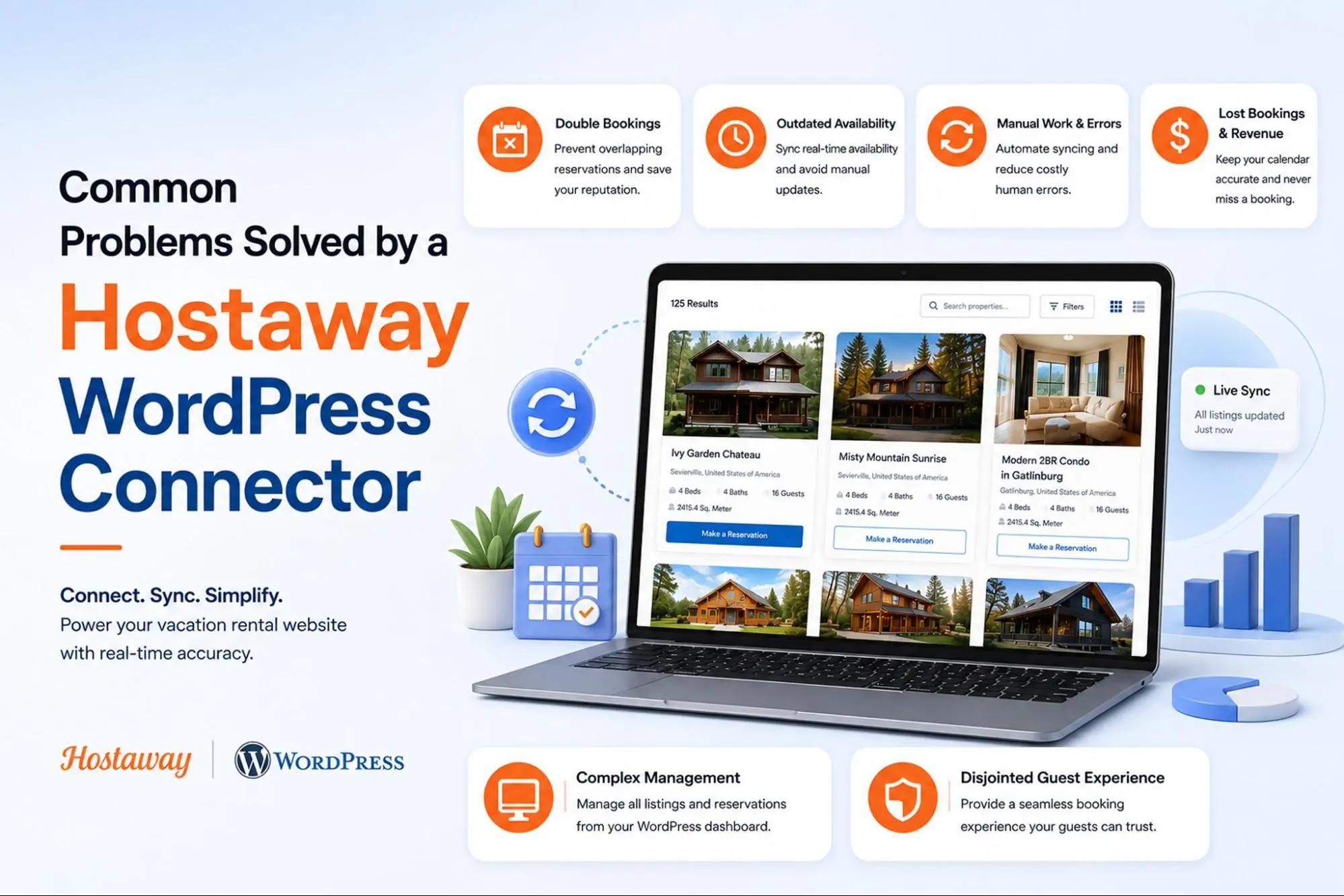
Running a vacation rental business means juggling more than just guest requests. Between updating calendars, fixing pricing errors, and manually copying listing details across platforms, property managers often lose hours every week to tasks that should be automatic. This is where a Hostaway WordPress Connector comes in. It bridges the gap between your Hostaway account and your website, keeping listings, availability, and pricing in sync without constant manual effort. For hosts who want a professional, branded booking experience without the operational headache, this kind of tool solves real, everyday problems. In this blog, we will walk through the most common issues this connector resolves and what to look for before choosing one. Keep reading to see how it compares to manual management and get answers to frequently asked questions.
What Is a Hostaway WordPress Connector?
A Hostaway WordPress Connector is a plugin that links your WordPress website directly to your Hostaway property management account. It pulls live listing data such as photos, descriptions, availability, and pricing straight from Hostaway using official APIs. Instead of manually updating your site, the connector keeps everything synchronized automatically, allowing guests to browse accurate listings and submit direct bookings from your own domain.
Common Problems a Hostaway WordPress Connector Solves
1. Outdated availability calendars
Problem: When calendars are updated manually across multiple channels, mistakes happen. A property might show as available on your website when it has already been booked elsewhere, leading to double bookings and frustrated guests who arrive to find their reservation does not exist.
How it solves: The connector pulls live calendar data directly from Hostaway in real time. Any booking made through Hostaway or a connected channel instantly reflects on your WordPress site, removing the risk of showing outdated or conflicting availability.
2. Manual pricing updates
Problem: Seasonal rates, last-minute discounts, and dynamic pricing rules are difficult to track by hand. Hosts often forget to update their website after changing rates in Hostaway, which results in guests seeing incorrect prices and potential revenue loss.
How it solves: Pricing is fetched dynamically from the Hostaway API every time a visitor loads a listing page. There is no need to copy numbers manually, since any pricing change made in Hostaway appears on the website automatically.
3. Time wasted on repetitive data entry
Problem: Copying property descriptions, amenities, and photos from Hostaway into a website builder is tedious and repetitive, especially for hosts managing several properties. This eats into time that could be spent on guest communication or growing the business.
How it solves: The plugin automatically retrieves all listing details, including photos, amenities, and descriptions, and displays them on the website without any manual copying, saving significant administrative time.
4. Inconsistent information across platforms
Problem: When listings are updated in Hostaway but not on the website, guests see mismatched details between platforms. This inconsistency damages trust and can lead to confusion about what a property actually offers.
How it solves: Because the website always pulls information straight from Hostaway, there is only one source of truth. Whatever is accurate in the Hostaway dashboard is what guests see on the website, with no separate database to maintain.
5. Lost direct bookings
Problem: Many hosts rely entirely on OTAs like Airbnb or Booking.com, paying steep commission fees on every reservation. Without a functional booking system on their own website, they miss the opportunity to capture direct, commission-free bookings.
How it solves: The connector enables a full booking flow on the website itself, letting guests select dates and submit reservations that go directly to Hostaway, helping hosts reduce dependency on third-party platforms and their fees.
6. Difficulty managing multiple properties
Problem: As portfolios grow, manually managing dozens of individual listings across a website becomes unmanageable. Updating each property page one by one is not sustainable for agencies or larger property management companies.
How it solves: Most connectors support unlimited properties and automatically generate listing pages, so scaling from a handful of units to hundreds does not require rebuilding the website structure each time.
7. Security concerns around stored guest data
Problem: Storing sensitive booking and payment information locally on a website increases the risk of data breaches and creates compliance headaches, particularly for hosts without dedicated IT security resources.
How it solves: A well-built connector does not store personal or booking data locally. Instead, it uses OAuth 2.0 authentication and retrieves information from Hostaway only when needed, reducing the website’s exposure to security risks.
8. Poor guest experience due to language barriers
Problem: International guests may struggle to understand listing details if the website only displays content in one language, which can lead to lost bookings from travelers who prefer browsing in their native language.
How it solves: Add-ons for multi-language support allow listings to be automatically translated into languages like French, Spanish, German, or Portuguese, making the website accessible to a broader range of travelers.
9. Lack of visibility into reservation requests
Problem: When bookings come through a separate system from the website, hosts often need to switch between multiple dashboards to track requests, increasing the chance of missed inquiries or delayed responses.
How it solves: Reservation submissions can appear directly inside the WordPress admin dashboard, giving hosts a single place to view and manage booking requests without logging into a separate platform.
What Should You Look for in a Hostaway WordPress Connector?
A good Hostaway WordPress connector should make property management easier while keeping your website’s listings, availability, and booking experience connected. Here are the key features to consider when choosing one.
- Real-time API sync: Confirm the connector retrieves property information directly from Hostaway so listings, pricing, availability, and other details can stay up to date.
- Secure authentication: Look for secure OAuth 2.0 authentication to protect the connection between your WordPress website and Hostaway account.
- No local data storage: A connector that retrieves information through the Hostaway API without storing it locally can help keep your website’s data management simpler.
- Direct booking support: Choose a connector that allows guests to make reservations through your website rather than only displaying property listings.
- Scalability for multiple properties: Make sure the connector can support the number of properties you currently manage and any future portfolio growth.
- Customization options: Look for controls for features such as listings per page, booking confirmation messages, and map settings to better fit your website’s needs.
- Reliable support and updates: Check whether the connector provides compatibility updates, documentation, and customer support as WordPress and Hostaway continue to evolve.
- Suitable pricing structure: Compare available plans, site limitations, and included features to determine which option fits your business requirements.
Looking for a connector with these features? Our Hostaway WordPress Connector brings these capabilities together, including API-based synchronization, secure authentication, direct booking support, multi-property management, customizable website controls, and ongoing updates and support. It is designed to help vacation rental businesses connect Hostaway with WordPress while reducing manual management.
Hostaway WordPress Connector vs. Manual Management
| Comparison Factor | Hostaway WordPress Connector | Manual Management |
| Property Updates | Updates can be synchronized between Hostaway and WordPress | Each property may need to be updated manually |
| Availability | Helps keep website availability aligned with Hostaway | Requires regular manual calendar updates |
| Booking Information | Connected systems can share relevant booking data | Information may need to be entered or updated separately |
| Pricing Updates | Can help synchronize pricing information | Prices may need to be changed manually |
| Multiple Properties | Easier to manage listings at scale | Becomes increasingly time-consuming as properties grow |
| Data Accuracy | Reduces the risk of outdated website information | Greater risk of inconsistencies between systems |
| Time Required | Reduces repetitive administrative tasks | Requires ongoing manual effort |
| Guest Experience | Supports a more consistent and streamlined booking experience | Disconnected information can create friction for guests |
| Scalability | Better suited for growing vacation rental portfolios | Manual processes become harder to maintain as listings increase |
| Maintenance | Automates or simplifies routine synchronization | Requires continuous monitoring and updates |
Conclusion
A Hostaway WordPress Connector solves many of the day-to-day frustrations that come with managing vacation rentals, from outdated calendars and pricing errors to missed direct bookings and scattered guest information. By automating data sync between Hostaway and WordPress, hosts can save time, reduce errors, and build a more professional booking experience on their own website. Whether you manage one property or an entire portfolio, choosing the right connector with secure authentication, real-time sync, and reliable support can make a meaningful difference in how smoothly your operations run.
Frequently Asked Questions
1. Does a Hostaway WordPress Connector replace Hostaway itself?
No. It works alongside Hostaway, pulling data from your existing account to display on your website. Hostaway remains the central system for managing reservations and channel distribution.
2. Is coding knowledge required to set up the connector?
Generally, no. Most connectors are designed for straightforward setup using API credentials from your Hostaway account, without requiring custom development work.
3. Can guests pay directly through the website?
Many connectors support credit card payments and pay later options, depending on how your Hostaway account is configured for payment processing.
4. Will the connector work if I manage properties across multiple channels?
Yes. Since Hostaway centralizes data from various channels, the connector reflects that synchronized information on your website automatically.
5. Is guest data safe with these plugins?
Reputable connectors avoid storing personal or booking data locally and use secure authentication methods, though it is worth reviewing each plugin’s specific security practices before installing it.
Our Most Recent News Blogs

10 Signs Your Vacation Rental Website Needs Real-Time Property Sync
How To Build A Vacation Rental Website With Hostaway and WordPress?
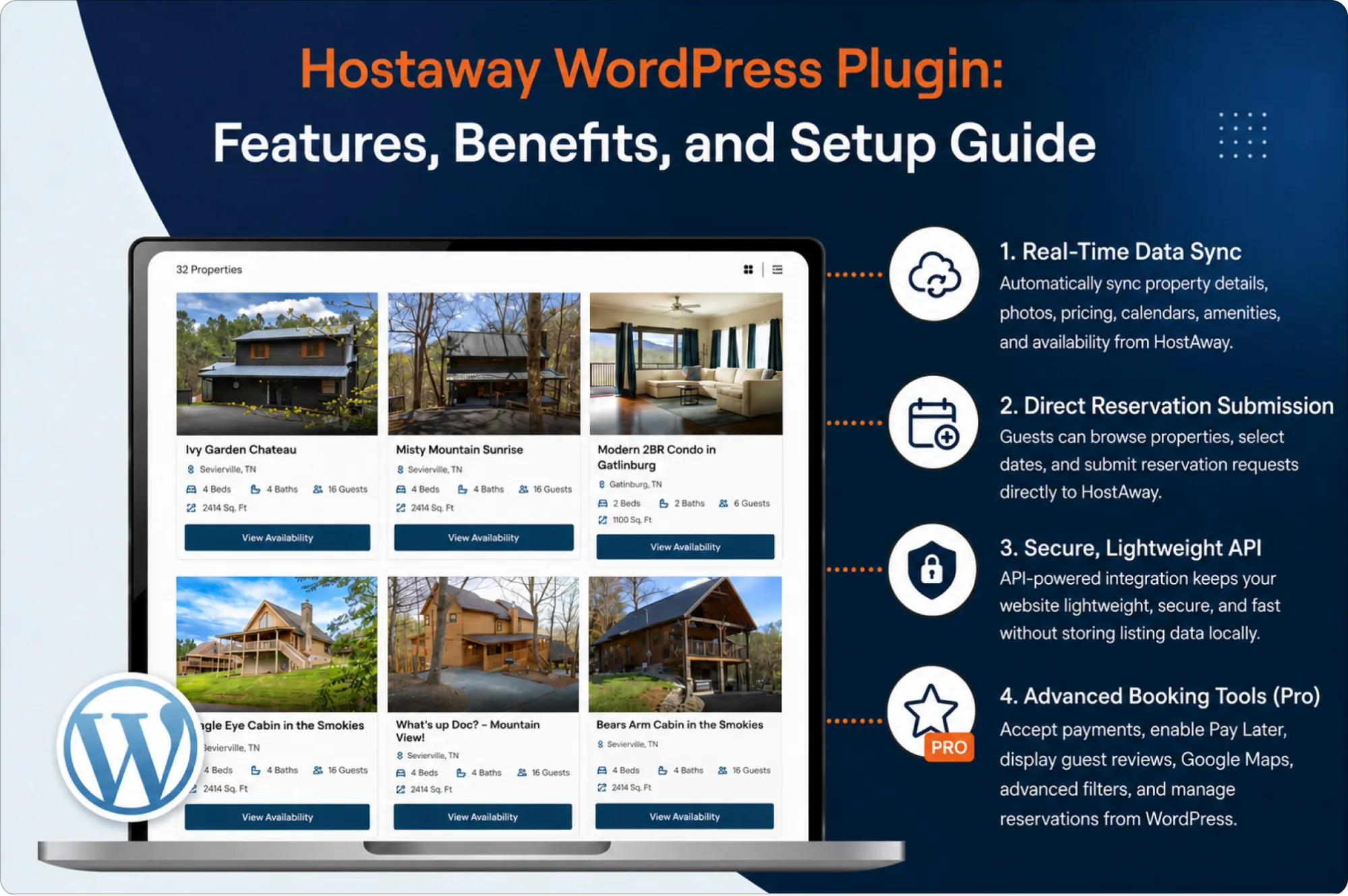
Hostaway WordPress Plugin: Features, Benefits, and Setup Guide
we are trusted by
1000+ clients worldwide







contact us
Get in Touch with our Skilled Tech Team

Opposite to Hindustan Times, Phase-8B
Industrial Area Mohali


Sat-Sun: Closed

